
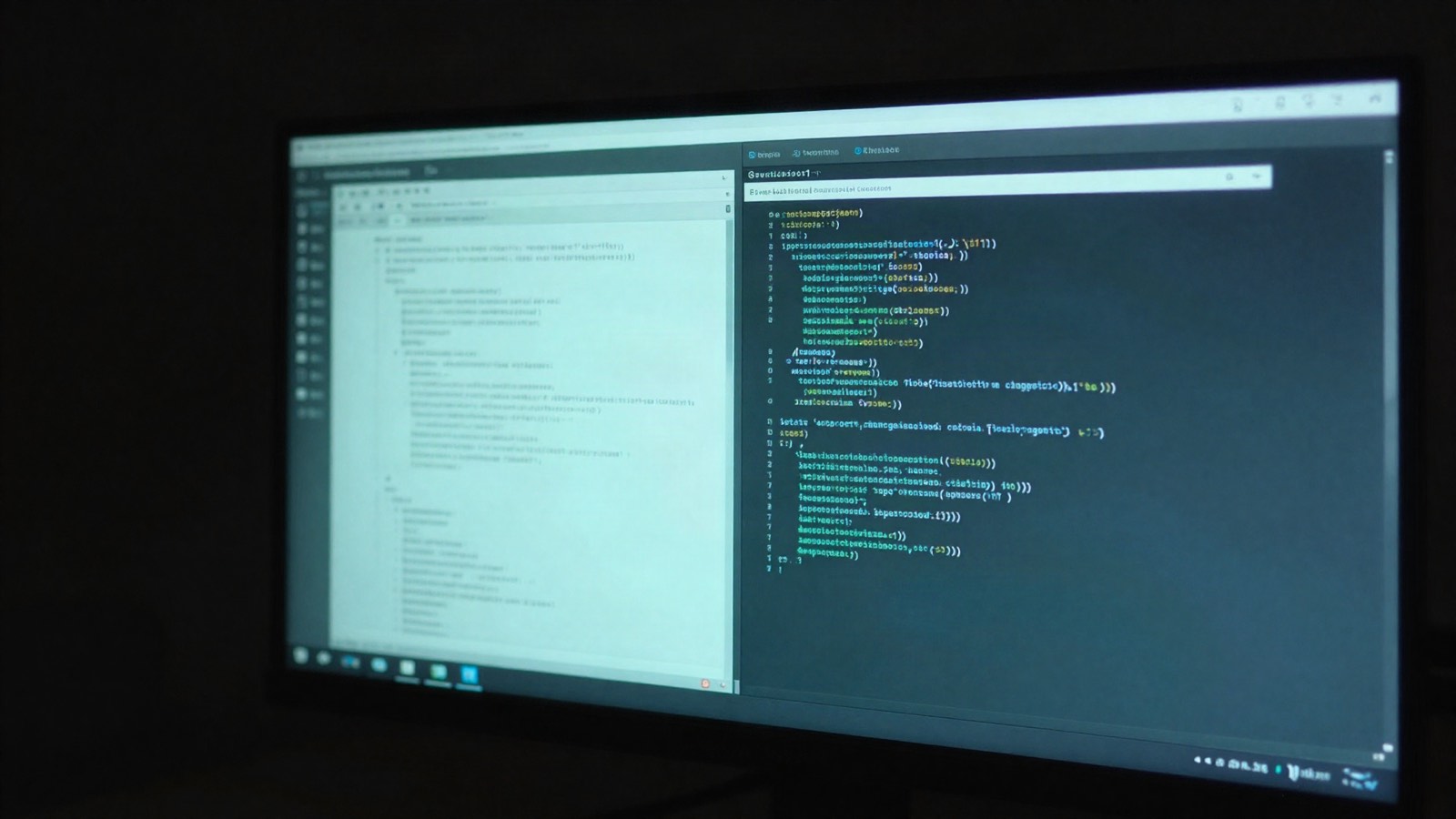

From requirement to evidence: tracing a failed test back to its requirement
How a budtestlibrary test carries a Bloom ID, how Bud records its assertions, and how the result lands on the requirement it verifies.
Campaign week 1 · Bud TMP and Bloom PLM
Every team that ships against requirements eventually gets the same question from a customer or an auditor: which test proves this requirement, and did it pass on the last build? Answering it usually means a spreadsheet, a CI log and an afternoon. Bloom and Bud connect the requirement, its test case and the latest execution evidence in one trace.
The requirement
Section titled “The requirement”In Bloom, project PRJ (a web shop) has requirement PRJ-REQ-001: the checkout API shall confirm an order within 300 ms. It went through Bloom’s review workflow: Draft, Review, Approval, Approved, Revision 1. The ID never changes, whatever happens to the text.
Test case PRJ-TC-001, “Checkout API latency”, has a typed link to it: PRJ-TC-001 verifies PRJ-REQ-001. The test case also sits in a suite and a release campaign.
The test carries the ID
Section titled “The test carries the ID”The automated test uses budtestlibrary, EmbedLabs’ test framework, with Bloom metadata on the test class:
from budtestlibrary import BloomMetaData, BudTestCase
class CheckoutLatencyTest(BudTestCase):    bloom_metadata = BloomMetaData("PRJ", "001")
    def bud_checkout_latency(self):        token = session()        cart.add(token, "TEE-01")        start = time.perf_counter()        r = httpx.post(f"{BASE}/api/checkout", headers=auth(token))        self.assertEqual(r.status_code, 200)        self.assertLess(ms_since(start), 300)
BloomMetaData("PRJ", "001") resolves to PRJ-TC-001. Existing pytest suites can use @pytest.mark.bloom("PRJ-001"); Robot Framework and Behave use a bloom:PRJ-001 tag.
Bud records every assertion
Section titled “Bud records every assertion”The test runs on a CI runner registered in Bud as a Test Station:
python -m bud_runner run-tests -t tests.checkout.CheckoutLatencyTest --uploadbudtestlibrary records each assertion as its own entry. When the latency check fails, Bud does not just store “failed”: it stores AssertLess, expected < 300, actual 447, the source line and the trace. The run page shows it next to the other four tests that passed, the station that ran it and the duration.
The result lands on the test case
Section titled “The result lands on the test case”Bud and Bloom are separate applications. An administrator connects them once: Bloom issues a scoped integration credential, and Bud stores it encrypted under Settings. From then on, when a run finishes, Bud posts each outcome that carries a Bloom ID to that test case.
Open PRJ-TC-001 in Bloom and its Last Execution panel shows Failed, the time, Bud run #10, and the assertion message. The document list shows the same status in its execution column, so a reviewer scanning the project sees the failure without opening Bud.
Coverage stays current
Section titled “Coverage stays current”The traceability matrix counts requirements with a verifying test case, and the coverage-gaps view lists the ones without. Nobody updates either by hand: they follow the links and the latest results. When a new requirement arrives without a test case, it shows up as a gap the same day.
What it takes
Section titled “What it takes”- Self-host Bloom and Bud (one image plus PostgreSQL each, Docker Compose or Cloudron).
- Connect them with Bloom’s integration credential.
- Register your CI runner or bench as a Test Station with its own enrolment key.
- Add the Bloom ID to your tests and run them through
bud-runner.
The runner and test library are AGPL-3.0 on PyPI:
pip install bud-runner budtestlibrary